Visual gallery
Ender green armor trim combos
Green trim works when the pattern has a clear center mark. Eye is the obvious pick, while Spire supports a more vertical End City look.
- emerald armor trimender armor trimeye of ender armor
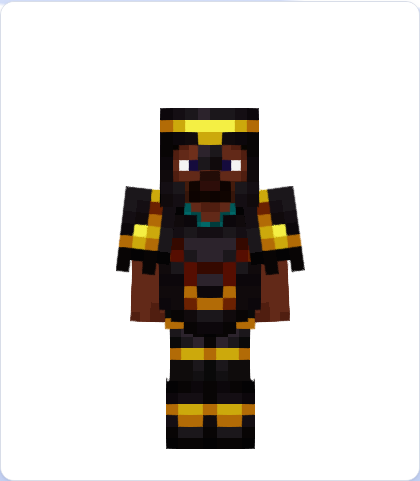
Hero preview: Eye of Ender
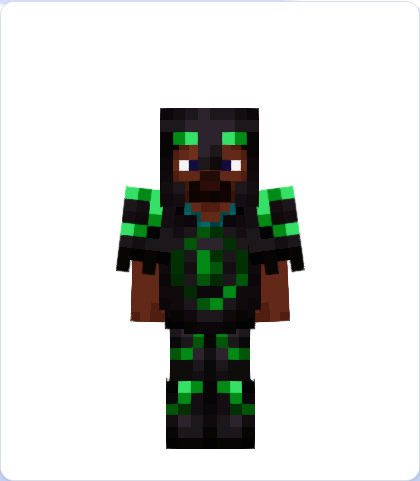
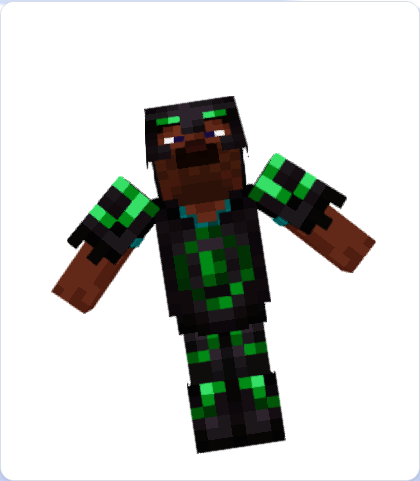
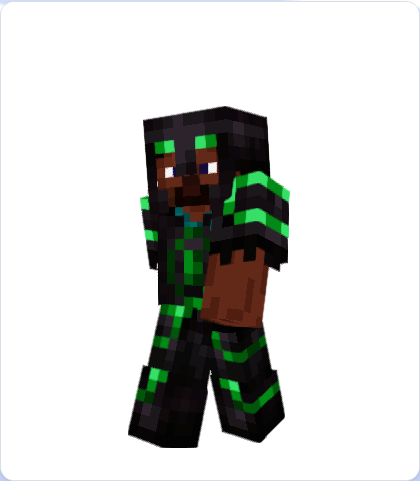
Eye + Emerald on Netherite. These images are real captures from the live 3D viewer, so the pose, contrast, and silhouette match what users see in the editor.
Recommended combos
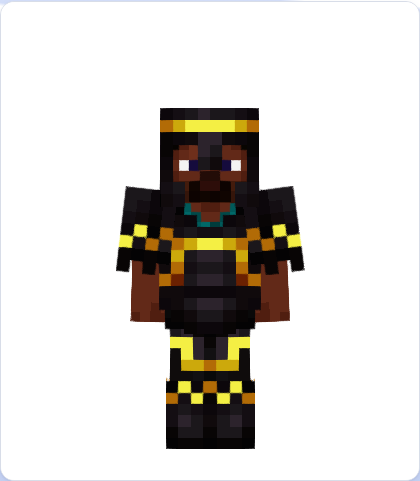
How to adapt the palette
Start with the highest-contrast set above, then keep the same trim pattern while changing only the material. This preserves the shape but lets you shift the mood from royal, hostile, oceanic, or explorer-themed.
For command testing, open a combo in the editor and copy the /give output after switching Java, Bedrock, or legacy Java mode.
Try the gallery in 3D
Open Eye of Ender in editor
Load the first preset with all four armor pieces already set.