Best Minecraft Armor Trim Combinations
These 13 armor trim builds now have full guides: real 3D screenshots from the live canvas viewer, Java /give commands, Bedrock smithing notes, and styling advice for survival or server outfits.
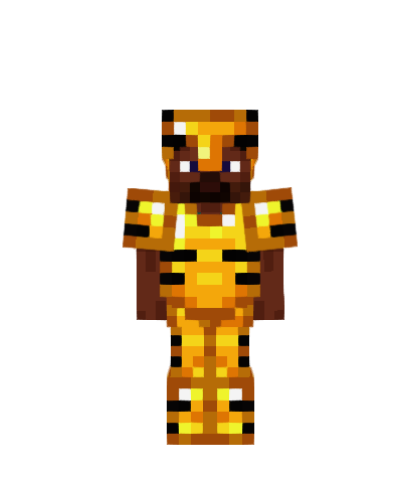
Gilded Rib
A dark ribcage over gold: the highest-contrast set golden armor can wear.
Read the full guide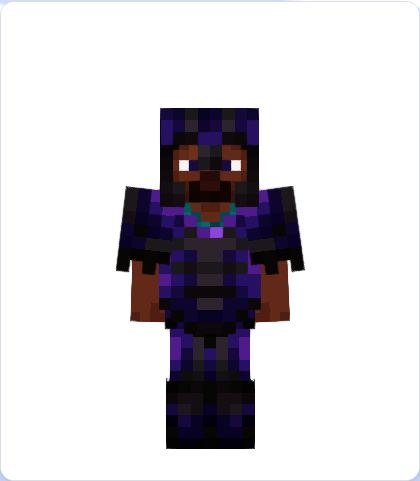
Void Royal
The prestige pick: Silence trim over netherite, lit with amethyst purple.
Read the full guide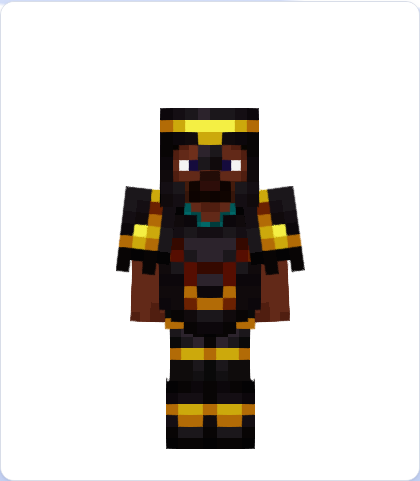
Royal Guard
Gold Ward lines turn netherite into a ceremonial guard uniform.
Read the full guide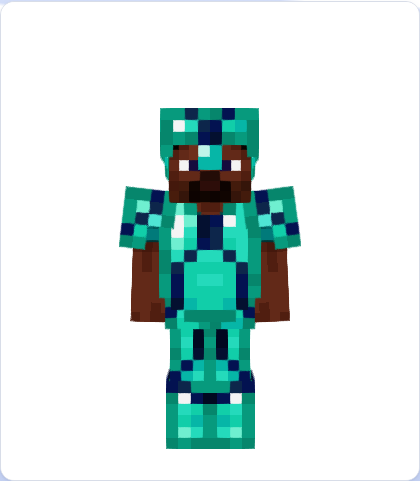
Tide Walker
Aquatic lapis lines over diamond armor, built around the Elder Guardian drop.
Read the full guide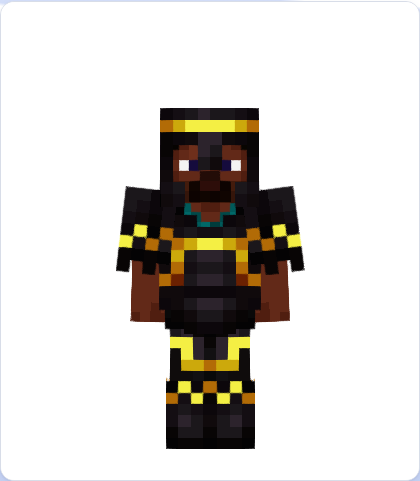
Sun Spire
End City vertical lines in gold, placed on a dark netherite base.
Read the full guide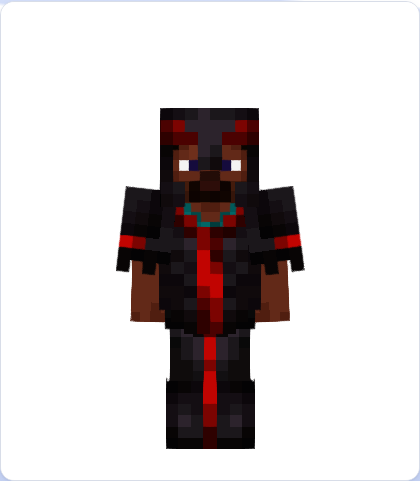
Crimson Vex
A redstone Vex pattern that looks sharp, hostile, and PvP-ready.
Read the full guide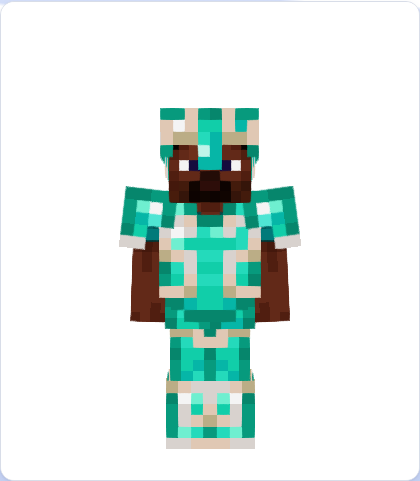
Pure Flow
A clean white Flow trim across bright diamond armor.
Read the full guide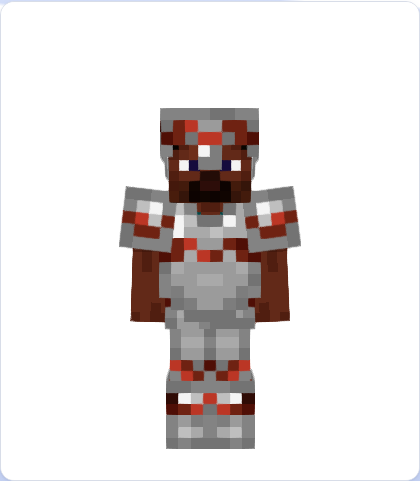
Wayfinder
A practical iron explorer set marked with copper compass lines.
Read the full guide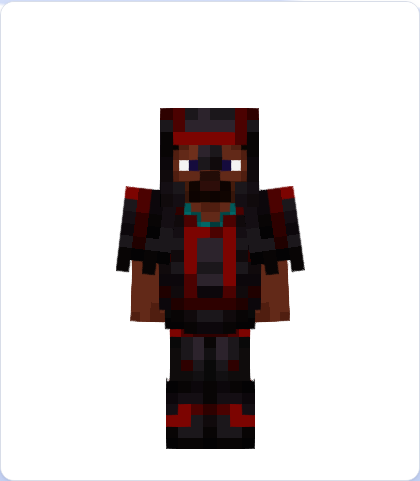
Bolt Iron
Trial Chamber lightning, redstone glow, and a netherite chassis.
Read the full guide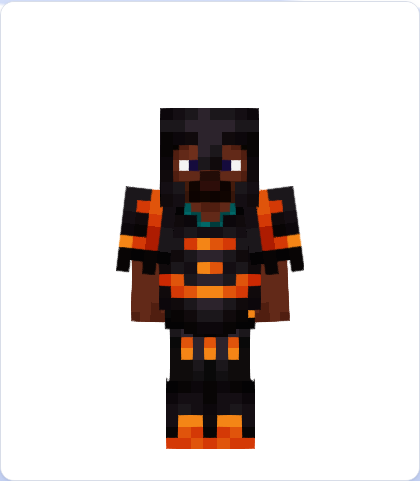
Resin Snout
Piglin Snout shapes with amber resin over netherite.
Read the full guide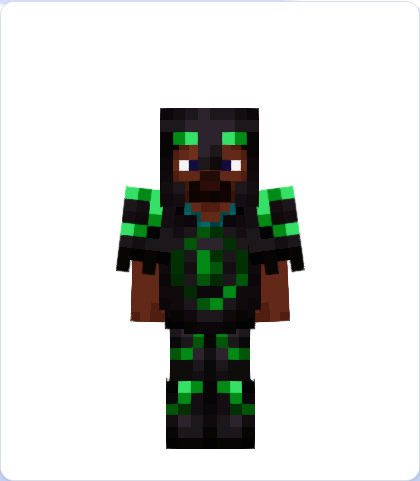
Eye of Ender
Emerald Eye trim on netherite, built for stronghold and End portal themes.
Read the full guide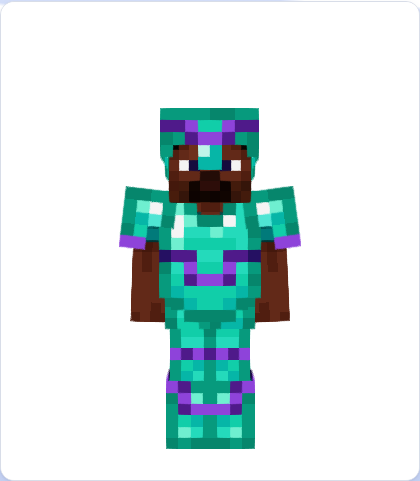
Coast Diver
Shipwreck waves in amethyst purple over diamond armor.
Read the full guide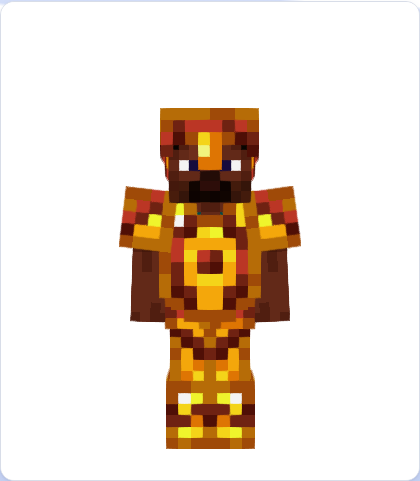
Dune Walker
A warm desert-pyramid combo: copper Dune lines on golden armor.
Read the full guideHow these combos were selected
Each build was picked for readable contrast, a strong theme, and a trim pattern that stays visible in idle, flying, and walking poses. The individual guides include screenshots captured from the live 3D canvas viewer so the armor can be judged from multiple angles.
How to pick a combo that actually works
Every combo on this page follows one rule: the trim material has to be a different brightness from the armor base, not just a different colour. Two colours at the same brightness — gold on copper, diamond on iron — blend into each other at the distance you actually see armor from, which is why so many combinations look good in an inventory icon and vanish in game.
The most common mistake is the free one: trimming armor with its own material. Netherite on netherite, iron on iron and gold on gold are all legal and all effectively invisible. If a set looks blank after you apply it, this is almost always why.
| Armor base | Reads strongest | Deliberately subtle | Disappears |
|---|---|---|---|
| Netherite | Quartz, Diamond, Amethyst | Redstone, Gold | Netherite |
| Diamond | Netherite, Redstone | Quartz, Iron | Diamond |
| Golden | Netherite, Lapis | Copper, Resin | Gold |
| Iron | Redstone, Netherite, Lapis | Quartz, Diamond | Iron |
| Copper | Netherite, Lapis, Quartz | Gold, Resin | Copper |
| Chainmail | Gold, Redstone, Emerald | Quartz, Diamond | Iron |
| Turtle | Copper, Gold, Quartz | Diamond, Lapis | Emerald |
| Leather (dyed) | Quartz on a dark dye | Anything near the dye colour | The dye colour itself |
Pattern choice matters less than material choice, with one exception: fine patterns (Rib, Shaper, Wayfinder) need more contrast than broad ones (Ward, Sentry, Spire) to stay readable, so pair the detailed templates with your strongest material and save the subtle pairings for the heavy shapes.
Want a personalized combo? Open the main editor, upload your skin, and test each guide's preset directly in the live viewer.